How to add videos to a Figma website
Publish YouTube and Vimeo players, MP4 video fills, GIFs, or an HTML video tag on a website made in Figma with figma.to.website.
Last updated
YouTube and Vimeo
figma.to.website comes with ready-made components for popular video players. Find them in the plugin’s Components tab.
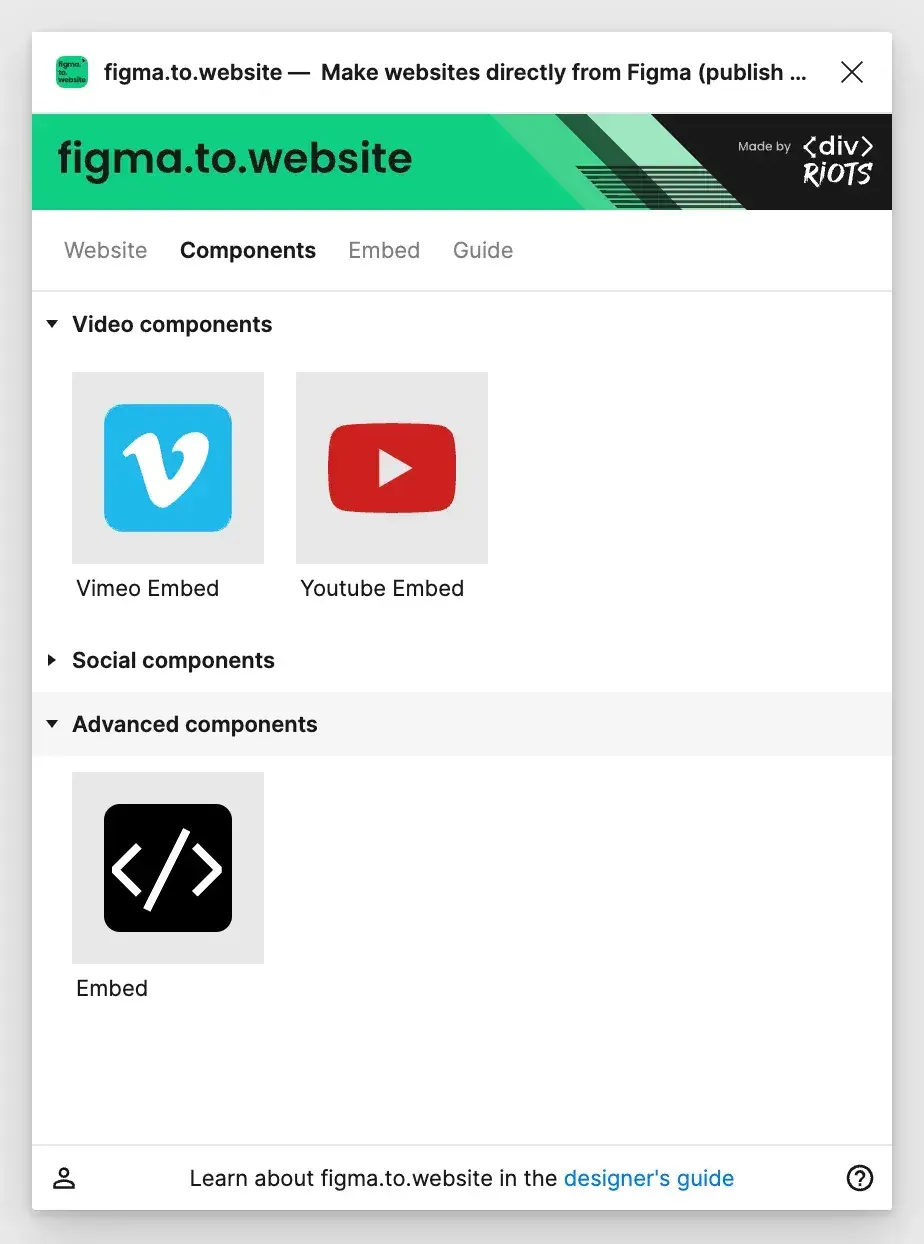
Drag and drop a component onto the canvas to add that player to your page. It arrives as a Figma component with its properties set up: fill in your preferences.
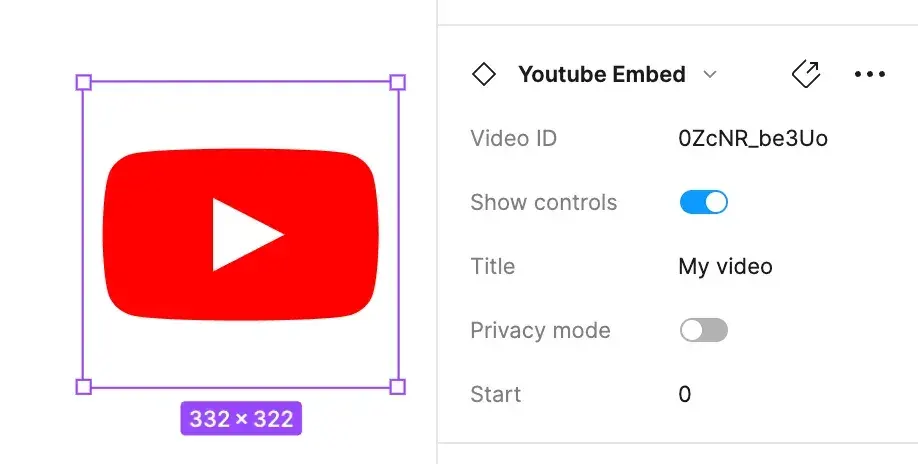
To use any other video player, embed its HTML. Need help? Ask us on Discord.
GIF animations
Figma supports GIF files natively: drag and drop them on the canvas and place them in your page. GIFs are heavy and limited to 256 colors, and they count toward your plan’s limits.
MP4 videos
Figma supports MP4 files natively on its Professional plan: drag and drop your videos into the design.
For now, figma.to.website only publishes MP4 videos from public Figma files: there is no API to download MP4s from private files yet.
MP4 videos in private Figma files
Use the Embed option under Advanced components and name the layer with an HTML <video> tag:
<video controls src="https://archive.org/download/BigBuckBunny_124/Content/big_buck_bunny_720p_surround.mp4" width="320">The MP4 file must be hosted on another server, as figma.to.website doesn’t host custom files yet.
See it live: the Videos demo in the Designer’s Guide, a site built with figma.to.website.