How to add 3D graphics to a Figma website
Add interactive 3D to a website made in Figma: name a layer with a Spline viewer tag and figma.to.website runs the scene on the page.
Last updated
Figma doesn’t support 3D graphics natively, but you can add 3D models and animations to your published site.
Spline
Spline is a web-based 3D design tool. Load a Spline scene with custom HTML: name a layer with the Spline viewer component.
<spline-viewer url="https://prod.spline.design/UWoeqiir20o49Dah/scene.splinecode">To get your scene’s URL in Spline, click Export and open the Viewer tab.
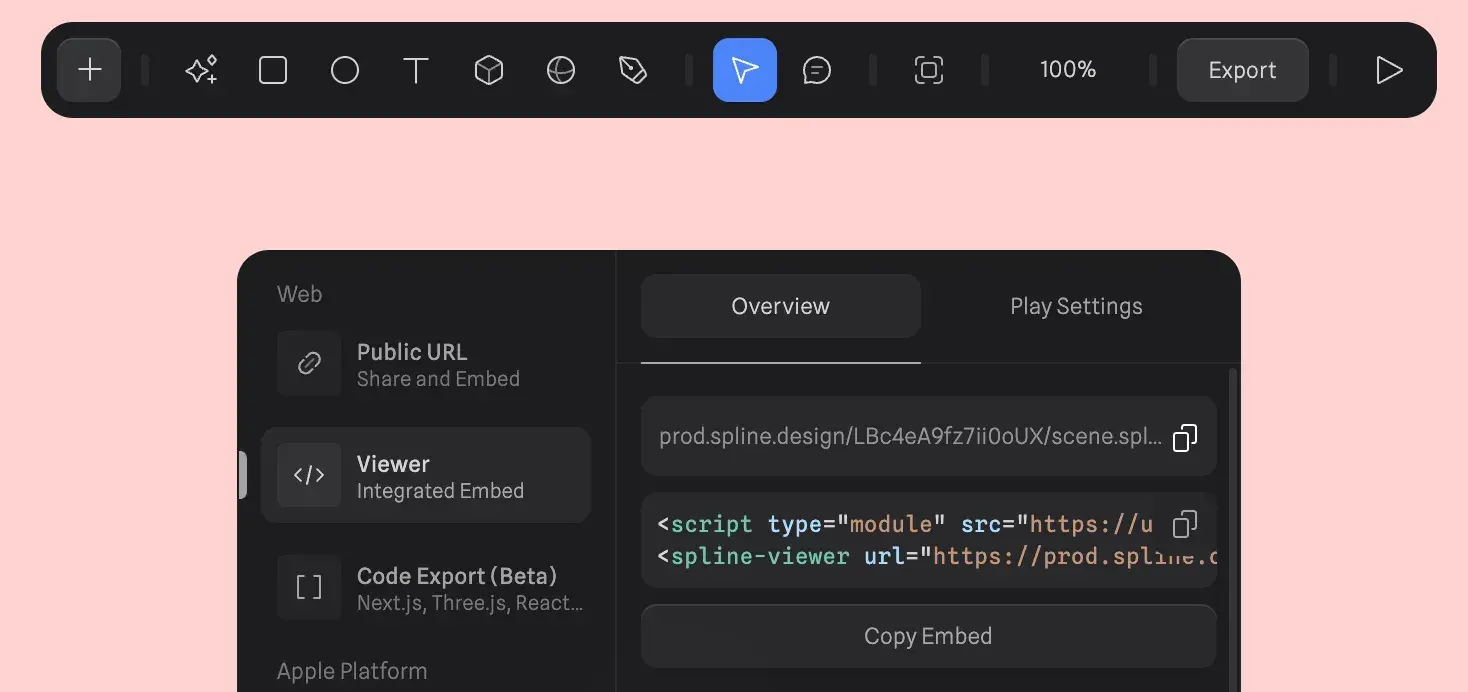
When figma.to.website finds <spline-viewer> on a page, it adds the JavaScript that runs the scene: no <script> tag to add.
See it live: the 3D graphics demo in the Designer’s Guide, a site built with figma.to.website.