How to add links to a website made in Figma
figma.to.website turns Figma text links and Navigate to or Open link interactions into real links, to your own pages by path or to any URL.
Last updated
Figma has several ways to create a link: on text, or with a prototype interaction. figma.to.website publishes each of them as an HTML link.
Add a link to text
-
Select the part of the text that should be a link, and create a link.
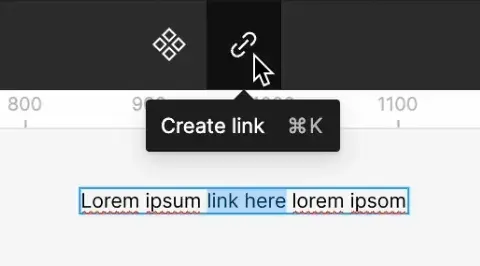
-
Enter one of these:
- A page of your site: its path, starting with
/— the section name of that page, such as/my-page. - A page of your site, as a template:
https:///my-page. - An external URL, such as
https://www.google.com.
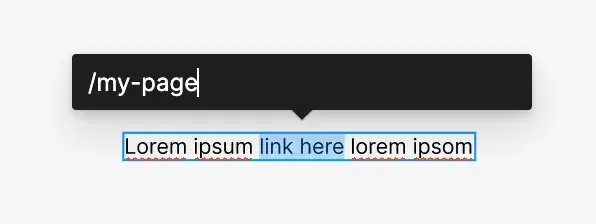
- A page of your site: its path, starting with
Figma rewrites /my-page as https:///my-page. That’s expected: figma.to.website reads it as a link to the matching page of your site.
Link with a “Navigate to” interaction
Add an On click → Navigate to interaction to a section or a frame of a page: figma.to.website publishes it as a link to that page.
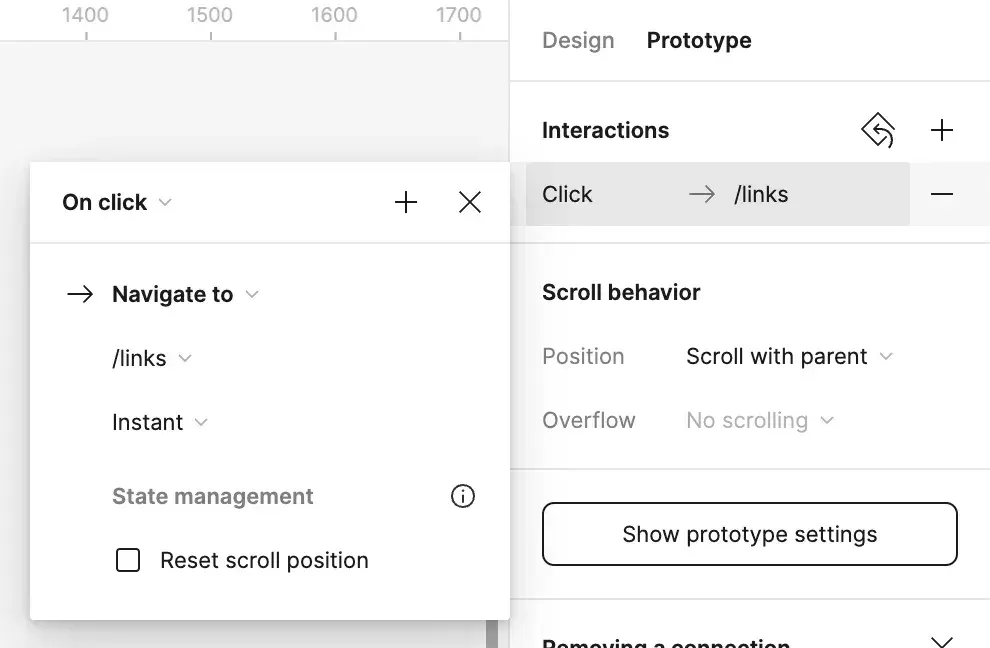
Navigation transitions aren’t supported yet: every page-to-page transition is instant on the published site.
Link with an “Open link” interaction
An On click → Open link interaction is published as a link too.
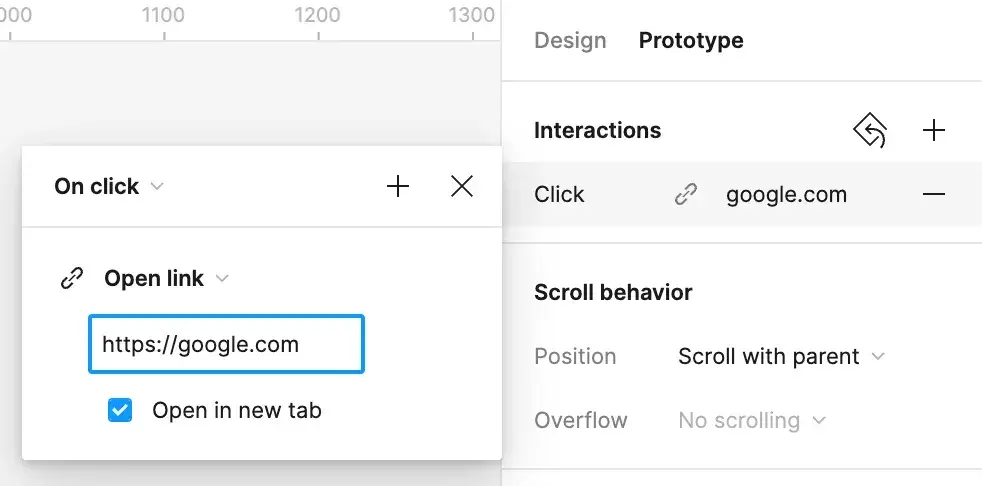
The “Open in new tab” option isn’t available through the Figma API, so it has no effect on the published site.