How to customize the 404 page of a Figma website
Replace the default 404 page of a figma.to.website site with your own /404 page, and redirect renamed or deleted pages.
Last updated
The default 404 page
figma.to.website comes with a default 404 (page not found) page.
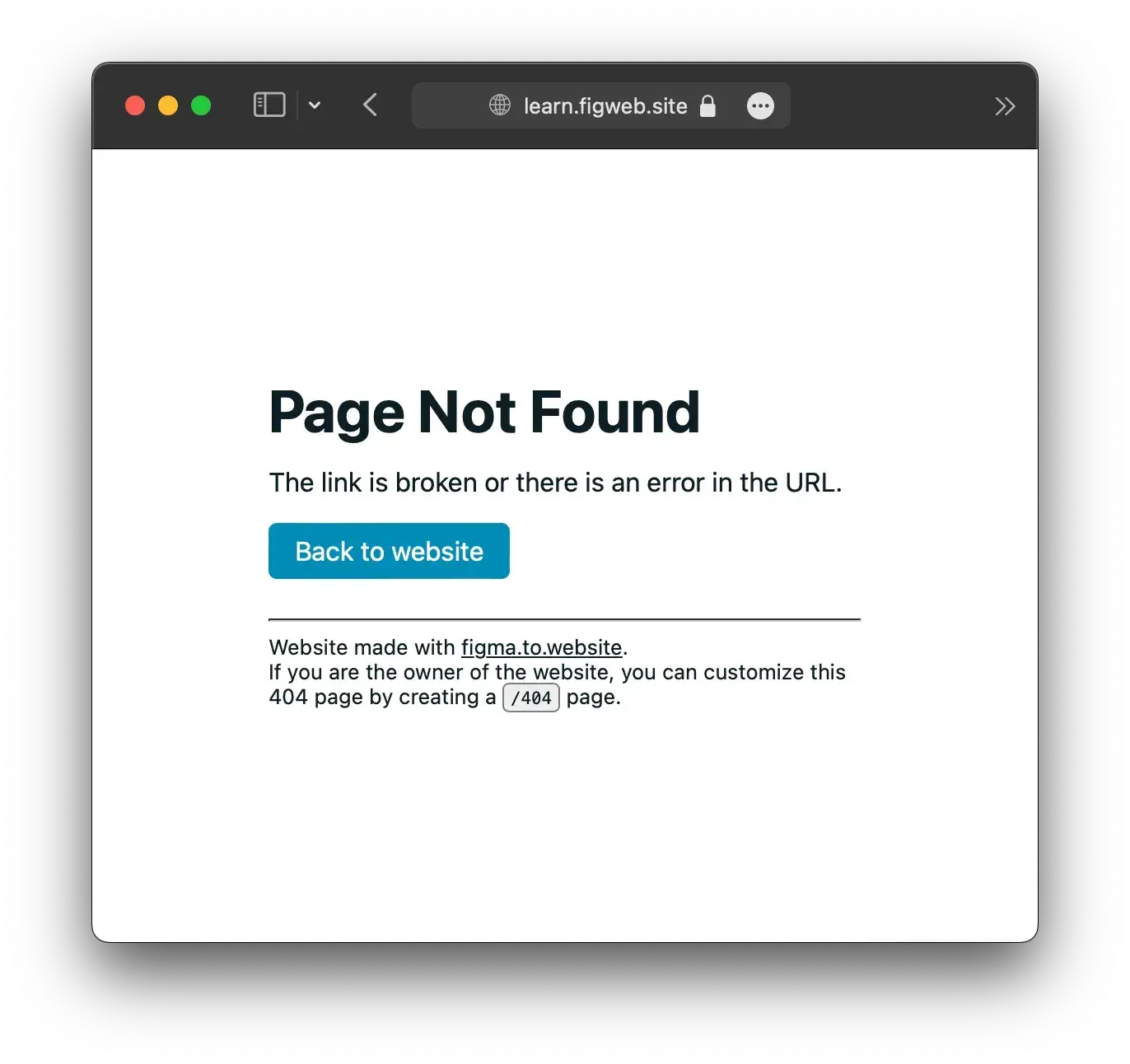
Create your own 404 page
Add a page whose section is named /404: it replaces the default one. Design it like any other page — with your branding, and links back to your main pages.
Redirect renamed or deleted pages
When you rename a page’s path or delete a page, send its visitors somewhere useful rather than to a 404: add a redirect from the old path to a page of your site, in the plugin under Settings → Redirects. Redirects go live when you publish; the number available depends on your plan.
See it live: the Custom 404 & redirects demo in the Designer’s Guide, a site built with figma.to.website.