How to add animations to a Figma website: GIF, Lottie, SVG
Publish GIFs, Lottie animations from the LottieFiles plugin, dotLottie and animated SVGs on a website made in Figma with figma.to.website.
Last updated
How to add each format of motion graphics to your site. A format is missing? Tell us on Discord.
GIF animations
Figma supports GIF files natively: drag and drop them on the canvas and place them in your page. GIFs count toward your plan’s limits.
Lottie animations
With the LottieFiles Figma plugin
figma.to.website supports the LottieFiles Figma plugin. Use it to insert the SVG or GIF version of your Lottie file.
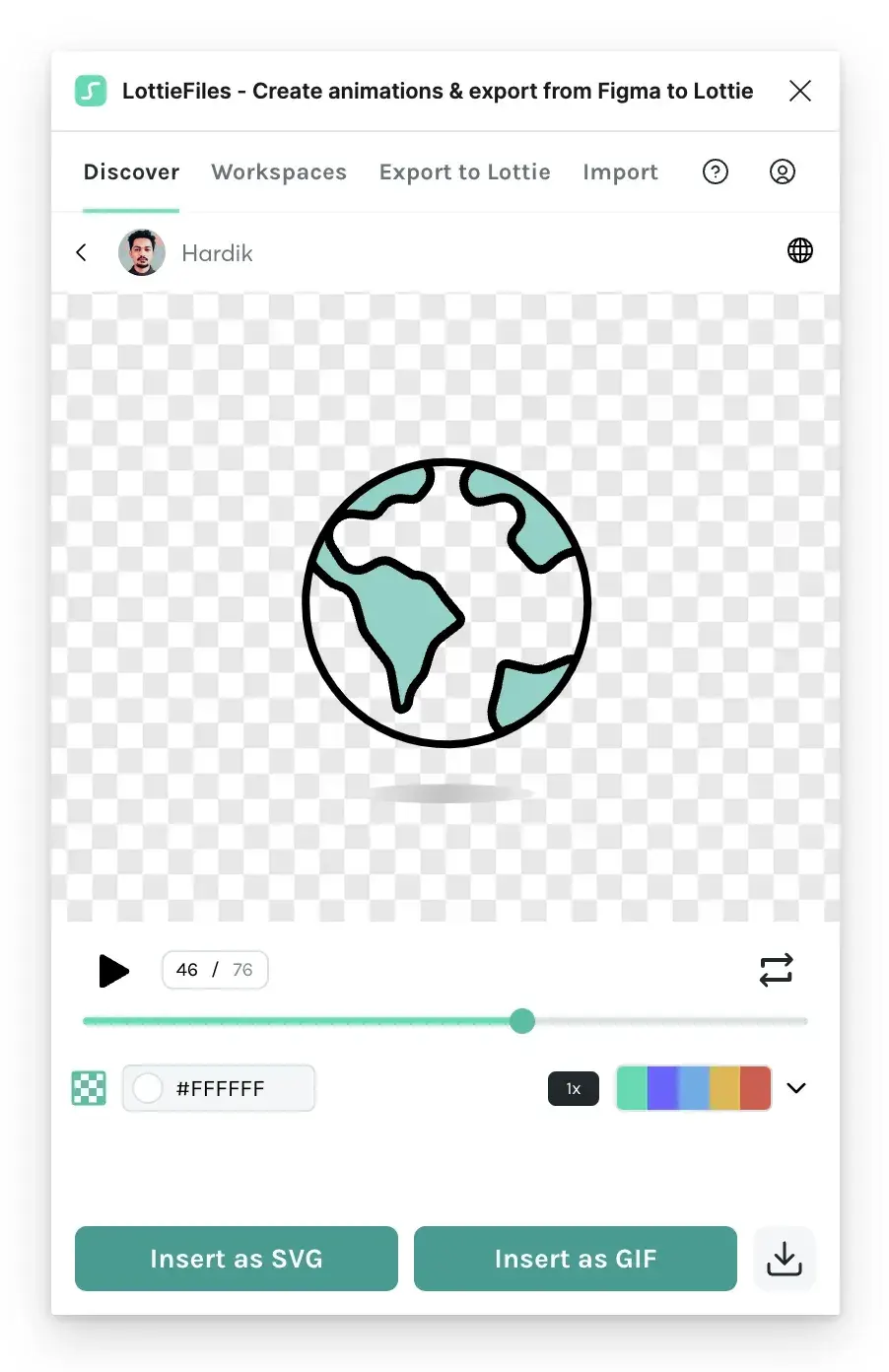
You see a GIF or an SVG in Figma, but figma.to.website publishes the matching Lottie file on the web.
With custom HTML
LottieFiles provides a web component, <dotlottie-wc>, to embed Lottie animations. Use it with custom HTML: create a layer and name it with the component’s HTML.
<dotlottie-wc src="https://lottie.host/4db68bbd-31f6-4cd8-84eb-189de081159a/IGmMCqhzpt.lottie" autoplay loop>When figma.to.website finds <dotlottie-wc> on a page, it adds the JavaScript that runs the animation: no <script> tag to add. The LottieFiles developer guide lists everything <dotlottie-wc> can do.
SVG animations
Figma doesn’t support animated SVGs natively. Load yours with custom HTML, by naming a layer as an HTML image:
<img src="https://cdn.svgator.com/images/2023/03/stopwatch-svg-animation.svg">The SVG file must be hosted on another server for now, as figma.to.website doesn’t host custom files yet.
Rive animations
Coming soon.
Other formats
A motion format that figma.to.website doesn’t support natively can still be added with custom HTML or the Embed component. Need help? Ask us on Discord.
For 3D models and scenes, see 3D graphics.
See it live: the 2D motion graphics demo in the Designer’s Guide, a site built with figma.to.website.