How to embed HTML in a Figma website
Add widgets, maps, booking tools or third-party forms to a figma.to.website page with the plugin’s Embed component and your own HTML.
Last updated
To write or paste a large amount of HTML into your site, use the Embed component. For a single tag, a layer name is enough.
Add the Embed component
-
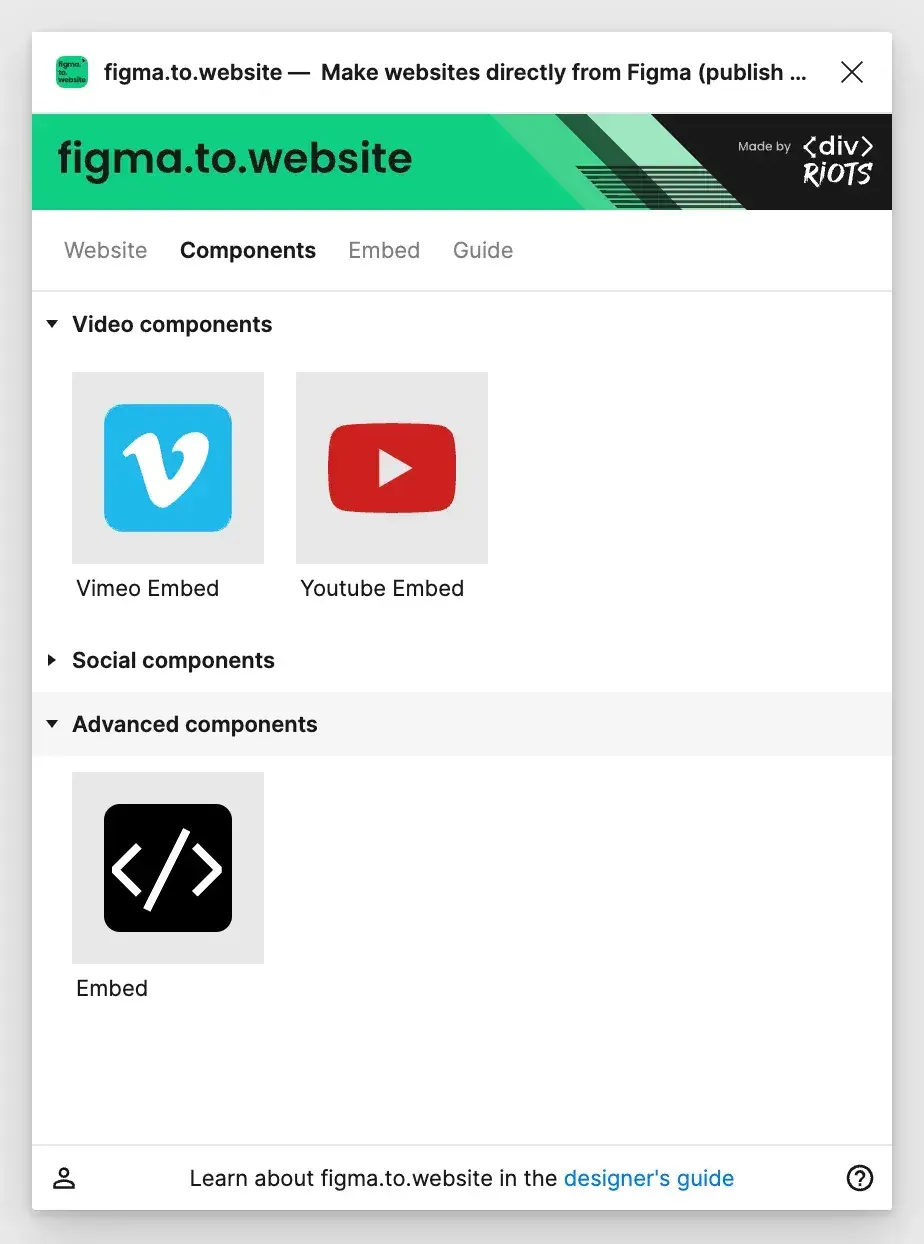
In the plugin, open the Components tab and find Embed under Advanced components.
-
Drag and drop the Embed component anywhere on the canvas.
-
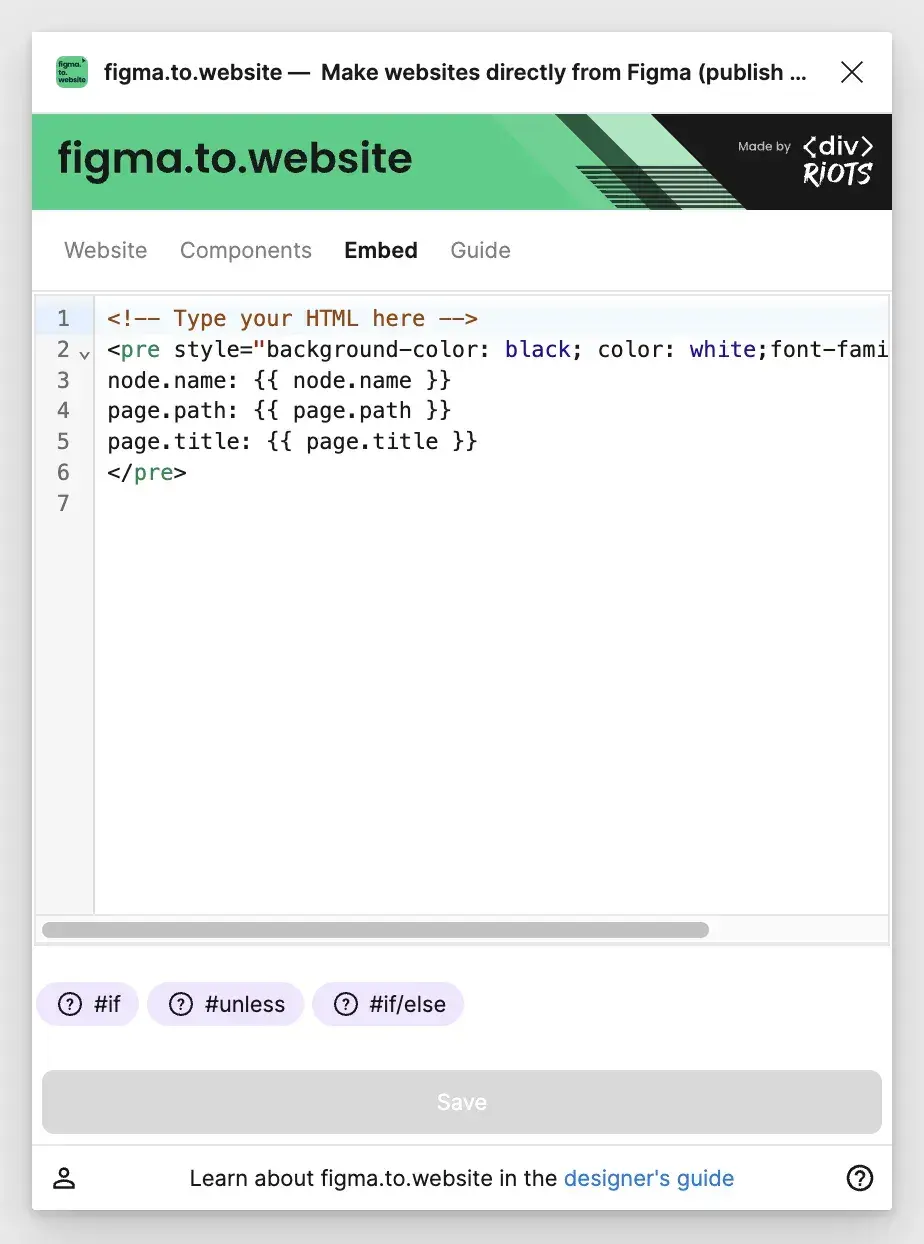
The plugin opens the Embed tab: enter your HTML there.
What can I embed?
Anything that runs as HTML on a web page, for example: