How to animate elements on scroll in a Figma website
Animate elements as they scroll into view: give a Figma component an @appear variant property, and figma.to.website smart-animates it on scroll.
Last updated
Figma prototypes don’t have scroll-based animations yet. figma.to.website adds them with a component convention.
Animate a layer when it appears on screen
-
Create a component with a variant property named
@appear, with the valuestrueandfalse.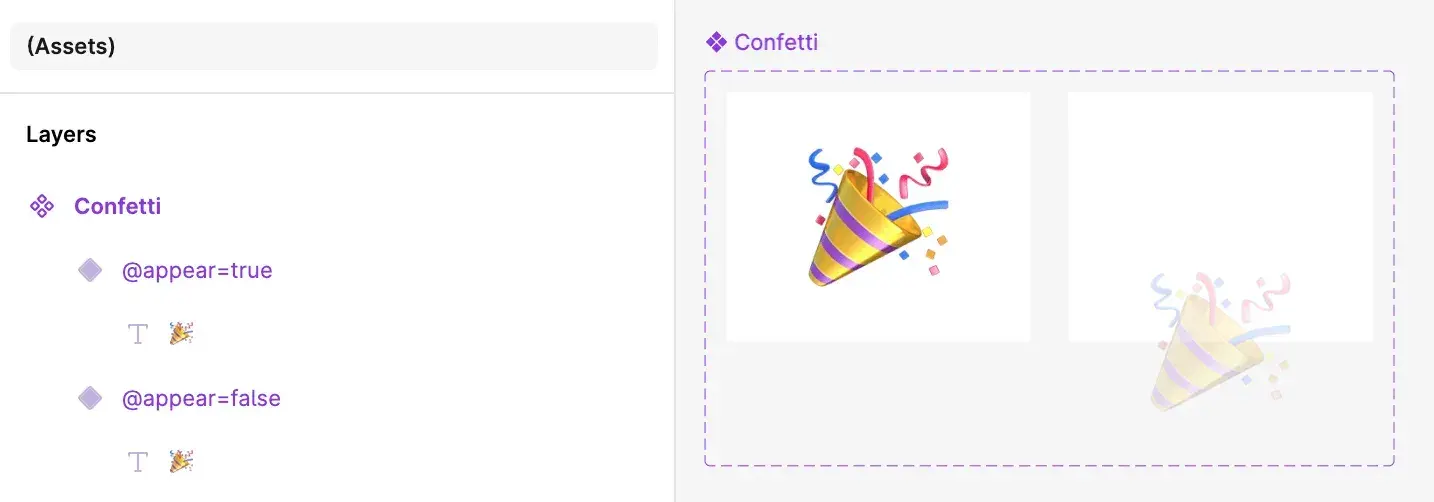
-
Use the component in your design as usual, with the
@appear=truevariant.
On the web, figma.to.website starts each instance on the @appear=false variant and smart-animates it to @appear=true when it scrolls into view.
Customize the animation
By default, the transition from @appear=false to @appear=true is a 300 ms Smart Animate. To change it, add a Mouse enter or While hovering interaction to the @appear=false variant, with the transition you want.
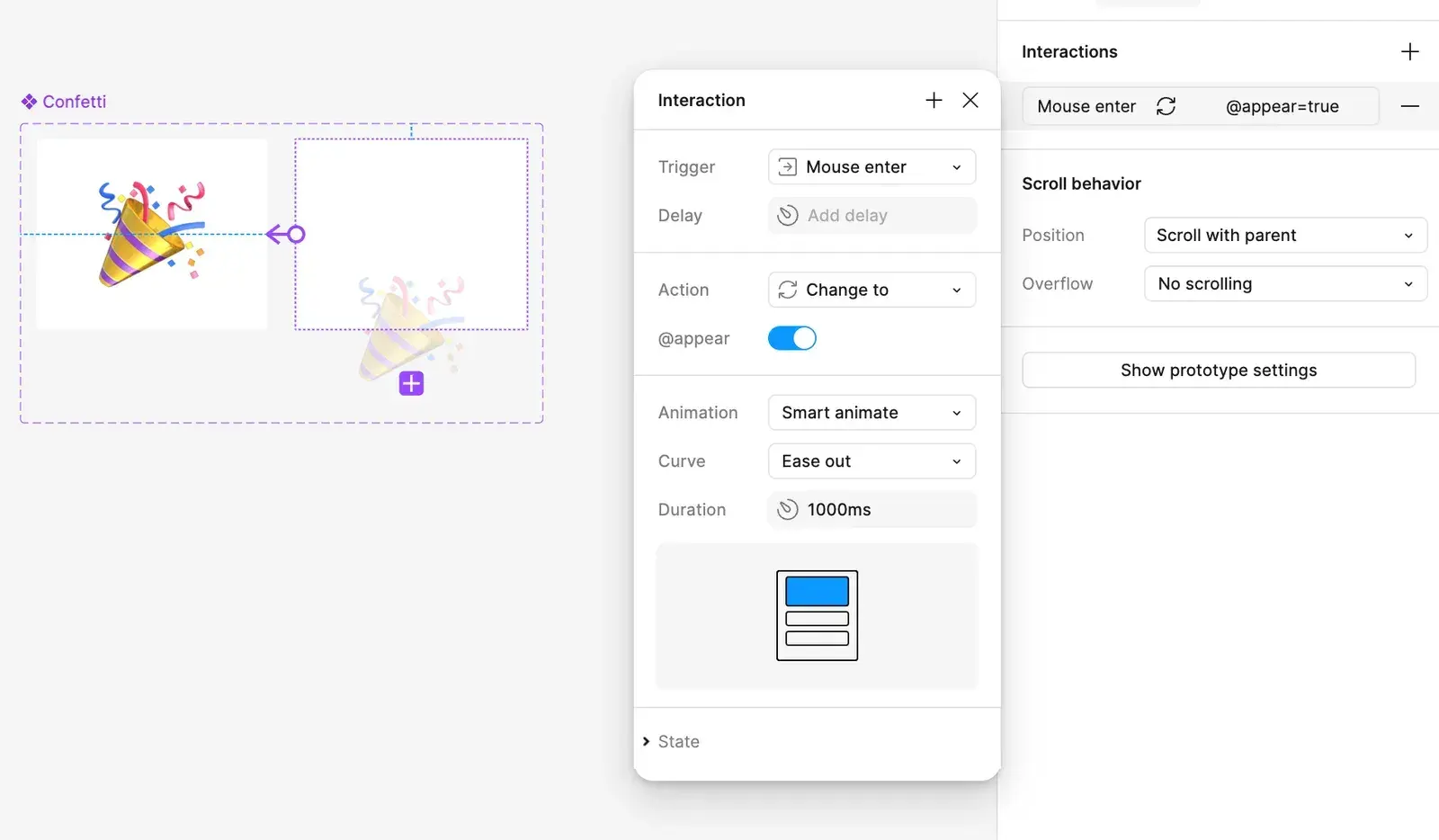
figma.to.website triggers that interaction when the component scrolls into view: no mouse needed.
See it live: the Scroll animations demo in the Designer’s Guide, a site built with figma.to.website.