
‹div›RIOTS 2025 recap
-

- Name
- Ardena
- @ardena_gonzalez
What a monumental year! In 2025, we launched 12 brand-new plugins, announced a landmark partnership with Figma, and crossed the 3 million user mark!
Here are just a few of our top highlights from 2025, showcasing how we brought innovation and ease-of-use to Figma users around the globe…
Introducing html.to.make
Starting from a blank page is hard — even when you’ve got AI on your side. That’s why we built html.to.make, an online converter that transforms any live website into a .make file for Figma’s new AI prototyping tool.
Instead of prompting Figma Make from an image, you can now have pixel-perfect results by bootstrapping your project from a real website. From there, Figma’s AI-powered vibe coding takes over — letting you explore new ideas with natural language prompts.
Whether you’re redesigning your current site, testing new features for an app, or just looking for inspiration, html.to.make helps you jump right into an existing website as a base.
The year of anything.to.design
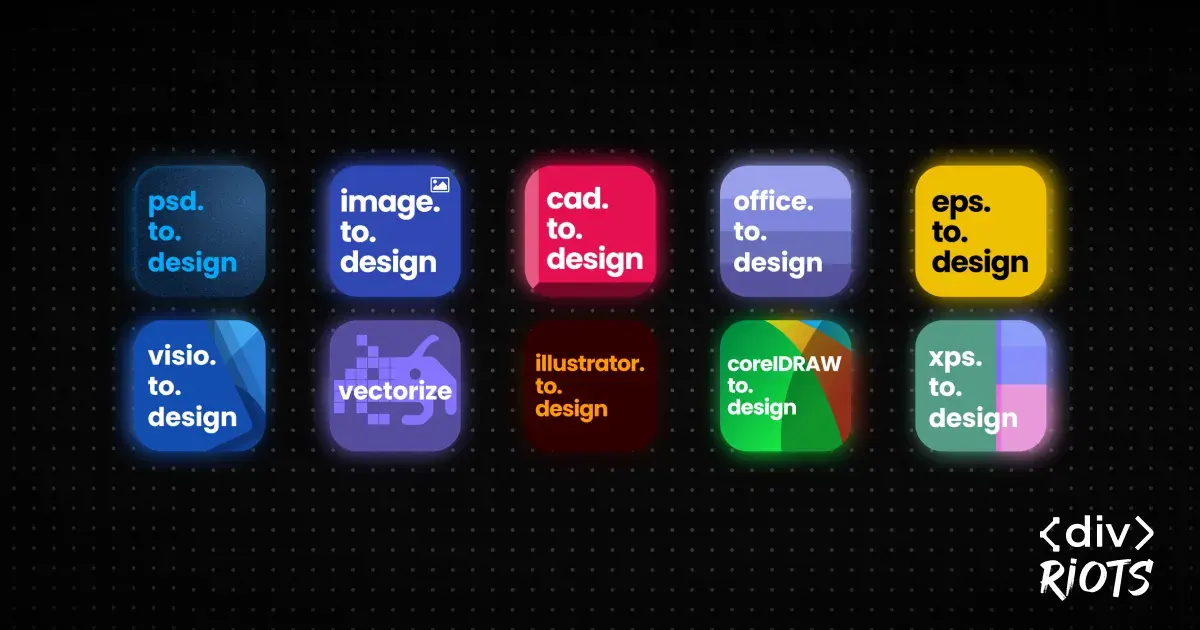
We kicked off 2025 with a bang, unveiling anything.to.design — our hub for all our import plugins— and launched plugin after plugin to fulfill our mission of letting designers bring ANYTHING into Figma. In January alone, we released 8 new import plugins:
- office.to.design — Import Word docs, PowerPoint presentations, Keynote, Pages and more
- image.to.design — Import any image format, even those not supported by Figma
- Vectorize — Transform bitmap images into vector graphics right in Figma
- illustrator.to.design — Import Adobe Illustrator files as editable layers
- eps.to.design — Bring your PostScript .eps and .ps files into Figma
- corelDRAW.to.design — Import CorelDRAW files into Figma
- visio.to.design — Convert Microsoft Visio diagrams into editable Figma layers
- cad.to.design — Import AutoCAD files (.dwf, .dwfx, .dwg, .dxf)
Later in the year, we added xps.to.design and psd.to.design to bring Adobe Photoshop files into Figma with preserved layer structure, text layers, shapes, and styles. Our suite now supports over 40 different file formats!
AI-powered screenshot conversion
Designers reportedly spend up to 60% of their time on repetitive tasks, including rebuilding images and screenshots in Figma. In August, we gave our plugin image.to.design a major upgrade in order to reduce this burden… The plugin now transforms any screenshot or image into fully editable Figma designs — complete with auto layout, structured layers, and smart naming. No more pixel-by-pixel rebuilding required.
Drop in any UI screenshot, and get a clean, editable design in seconds. It even works with hand-drawn wireframes and drafts!
One subscription to rule them all
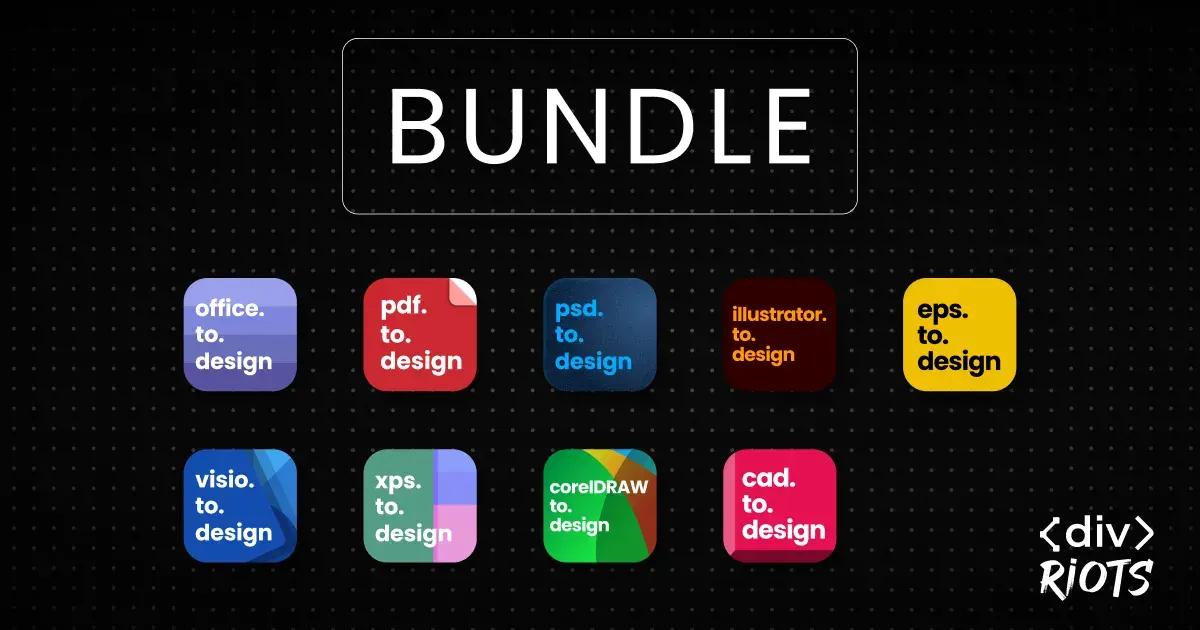
This summer we also launched the ultimate Figma plugin bundle — bringing all our import plugins into a single, powerful toolkit. Say goodbye to managing multiple plugin subscriptions!
A single subscription now gives you access to import virtually any file format. If you’re going to be using more than one import plugin, the bundle offers substantial savings (up to 66%!). As we continue to add new import capabilities, bundle subscribers are automatically guaranteed access to all future file types we introduce.
‹div›RIOTS takes Config 2025

This year, we went all in on Config! We had booths at both Config SF (May 6–8 at Moscone Center) and Config London (May 14th at ExCel Center). Our CEO Georges Gomes took the Maker Stage with a packed 20-minute talk showcasing real-life use cases of our plugins and how they can level up your design workflow.
Meeting so many users face-to-face was the highlight of our year. If you stopped by our booth, scored some sweet swag, or caught Georges’ talk — thank you! Your feedback and enthusiasm continue to fuel everything we build.
13 plugins for Figma Slides from day one
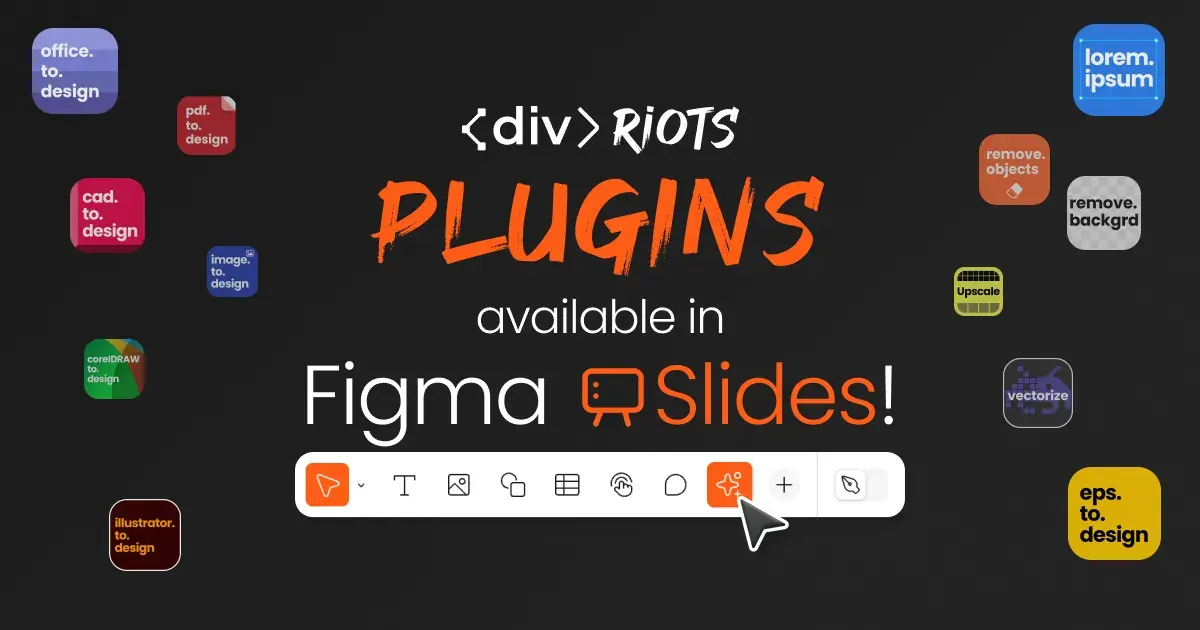
When Figma Slides launched to everyone in February, we made sure our plugins were ready from day one. We brought 13 plugins to Figma Slides, including pdf.to.design, office.to.design, image.to.design, illustrator.to.design, eps.to.design, cad.to.design, corelDRAW.to.design, visio.to.design, and more.
Whether you need to convert your PowerPoints or PDFs files into Figma Slides, edit images, or enhance your slides with smart placeholders — we’ve got you covered.
Going all-in on Figma
We also had to make some difficult, but necessary decisions this year including shutting down our online IDEs — Components.studio, Webcomponents.dev, and Backlight.dev — effective June 1st, 2025.
Over the years, these platforms helped developer and design teams build, collaborate, and innovate with web components and design systems. We’re incredibly proud of what we built and grateful for the community that supported them. But the growing success of our Figma plugins showed us where we can provide the most value, and we’ve decided to focus 100% on expanding and improving our Figma-based tools.
Ready for 2026?

To the over 3 million people using our products worldwide: THANK YOU! Your support and feedback has been a tremendous driver for everything we achieved this 2025.
We already have some great stuff in the works for 2026 and can’t wait to share it with you!
MAKE A WISH FOR 2026! 💫
Have an idea for a new feature or plugin you’d really like to see?