Bootstrap your Figma Make from an existing website
Start prototyping your next feature now!
What to do with the .make file downloaded?
-
1.
Open Figma
-
2.
Go to Figma's file browser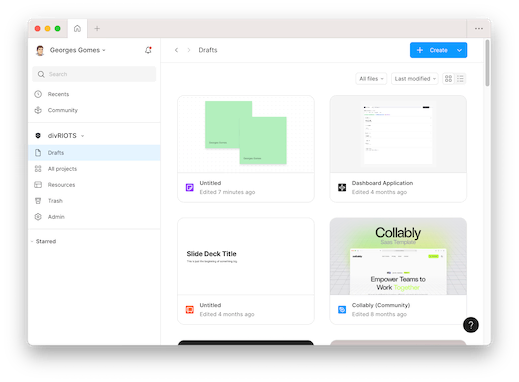
-
3.
Drag-and-drop your .make file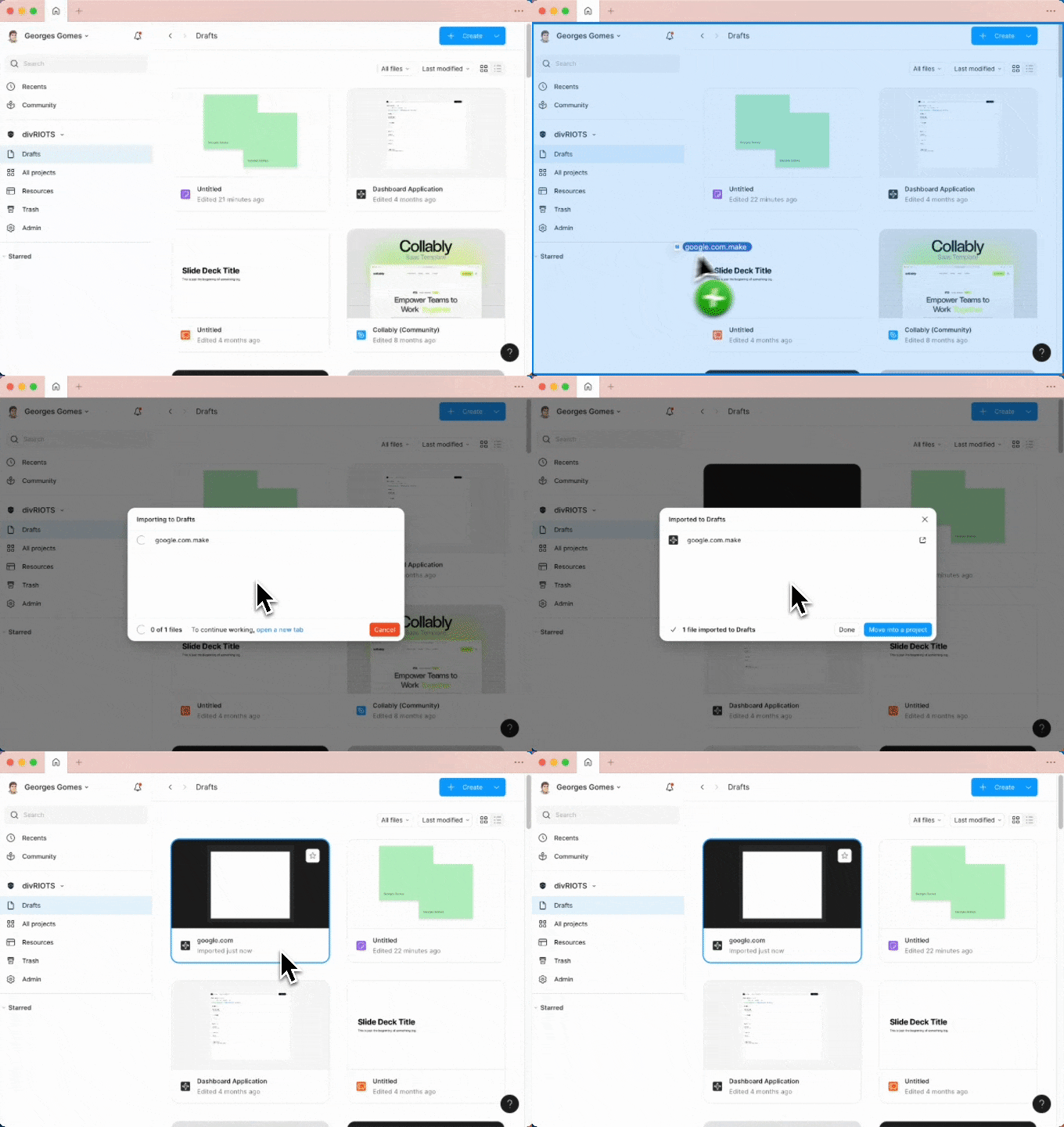
Pricing
Each conversion costs 2 credits.
-
FREE
Sign up and receive 20 credits on us. No payment required.
Get started for free -
Buy credits
Need more? Purchase additional credits anytime.
Buy credits
Contact us
If you have feedback, suggestions, or want to report a bug, please email us at [email protected] or join our community on Discord.