Turn any Adobe XD file into
editable Figma layers

Adobe XD is in maintenance mode — your .xd files don't have to be. Convert them to real designs with editable text, matched fonts, vectors and components, artboard by artboard.

Web app

Convert in your browser

Nothing to install. Drop an .xd file, then paste the result straight into Figma as editable layers.

Drop an XD file to convert

Paste from clipboard, or click to browse

You get
Figma layers to copy & paste
Figma plugin
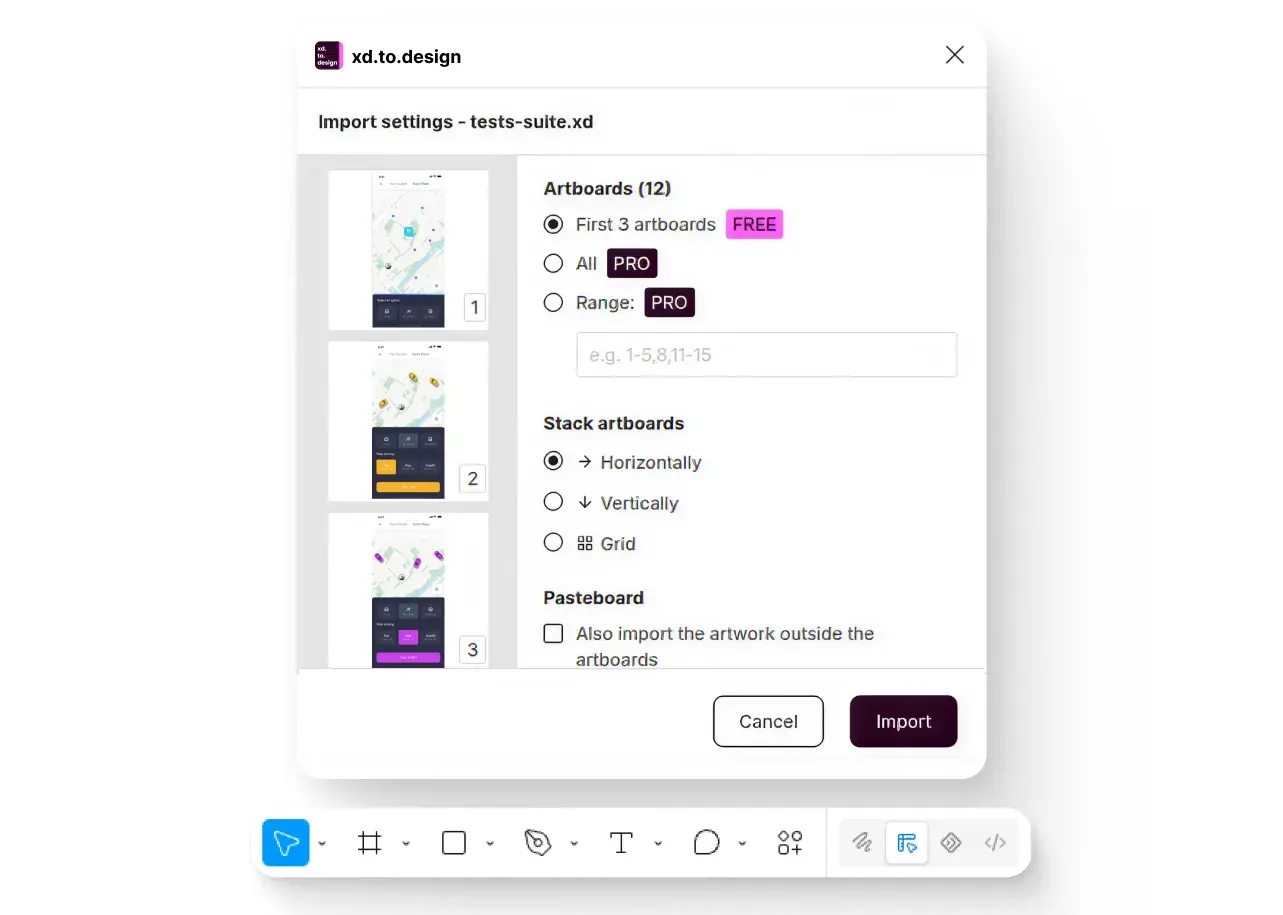
Convert inside Figma

Artboards land straight on your canvas as editable layers — no tab switching. Your file stays private on your machine.

The xd.to.design plugin's import dialog in Figma: pick artboards, stacking and pasteboard options, then Import.
You get Figma layers
Get the plugin

How it works

  1. The upload drop zone.

    1 · Upload

    Drop an .xd file — a single screen or a whole product archive. Dropping several at once is fine.

  2. A “Converting…” spinner.

    2 · Convert

    The engine reads the file — artboards, text, fonts, vectors and components — and rebuilds it as a Figma design. No prompt, no settings to tune.

  3. The Copy to Clipboard action.

    3 · Edit in Figma

    With the plugin, artboards land straight on your canvas, ready to edit. From the web app, copy the result and paste it into Figma — either way, fully editable layers.

xd.to.design vs a flat export

Figma can't open .xd files, so most teams export flat PNGs or PDFs — and lose the design. xd.to.design is purpose-built to reconstruct the file as a Figma design, with editable layers instead of a static image. Here's how they compare.

How xd.to.design compares with a flat export when turning an Adobe XD file into a Figma design.
What you get back Flat export xd.to.design
Text Flattened into the image Real, editable Figma text
Fonts Lost Matched, or manually remapped if missing
Vectors & shapes Rasterized Kept as editable vectors
Artboards One flat image each Every artboard, positioned for you
Artboard selection All or nothing Any range, e.g. 1-5, 8, 11-15
Output Static image in Figma Editable Figma layers
Try it on your file

What gets converted

  • Editable layers

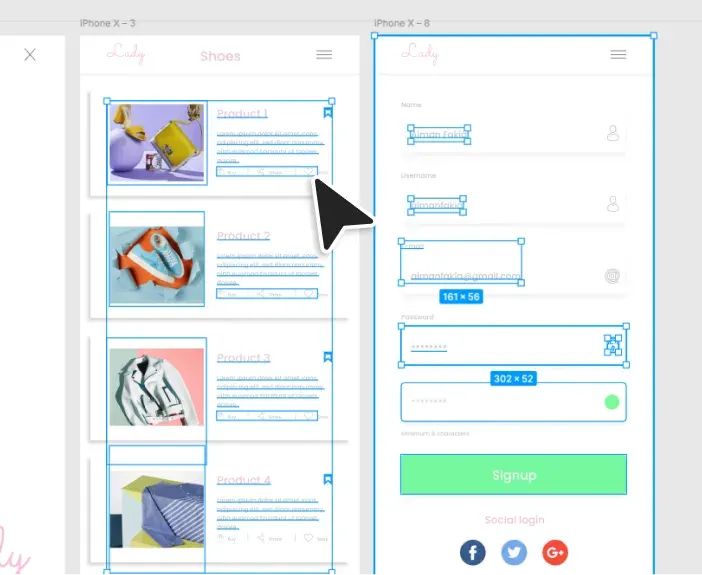
    Every object comes back as a real Figma layer — named, grouped and selectable — not a flattened picture.

    The Figma layers panel listing the artboards imported from an XD file.
  • Every artboard

    Bring in the whole file or just a range of artboards, laid out on your canvas the way XD had them.

    A grid of artboards imported from an XD file onto the Figma canvas.
  • Text & fonts, matched

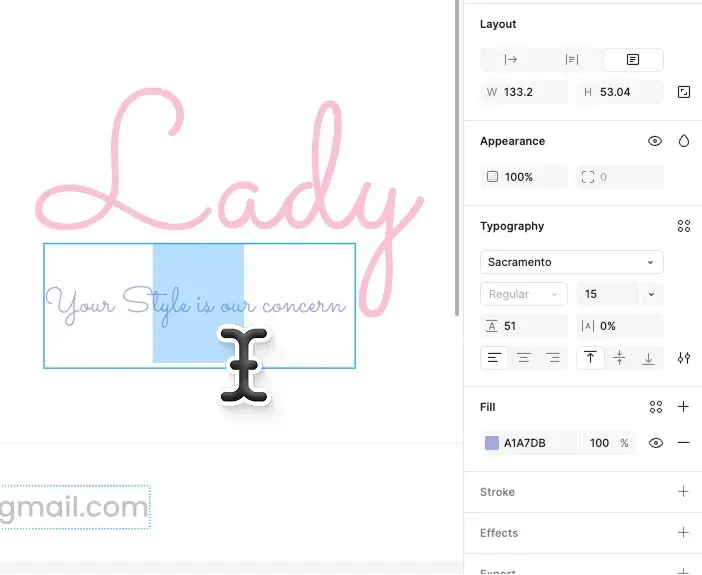
    Text stays fully editable; fonts are detected and mapped to what you have in Figma, with any substitutes flagged before import.

    An imported artboard with editable text and matched fonts.
  • Vectors & graphics

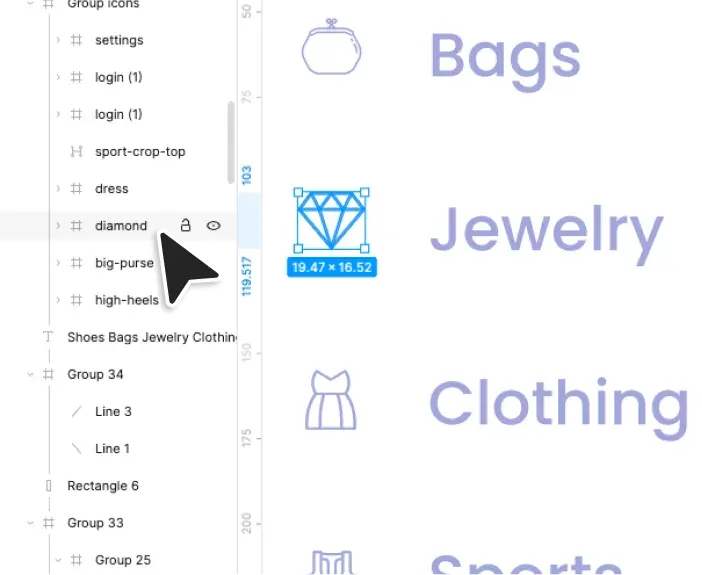
    Icons, charts and shapes stay as editable vectors; embedded images come across as image fills.

    Charts and icons imported from an XD file as crisp vector layers.

Pricing

Credit cost varies with the file's size and number of artboards.

  • Starter

    Free trial

    No credit card required.
    5 imports, the first 3 artboards each.

    Signup
  • Level up Need more?

    Access all features and import every artboard. Upgrade any time — every ‹div›RIOTS product, one plan.

    Upgrade

Contact us

If you have feedback, suggestions, or want to report a bug, please email us at [email protected] or join our community on Discord.