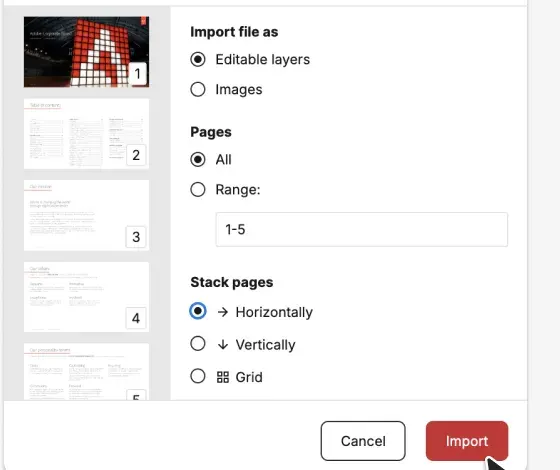
Drop a PDF — a deck, brochure, report, or an export from Canva, InDesign, Illustrator or Office. Multi-page is fine.
2 · Convert
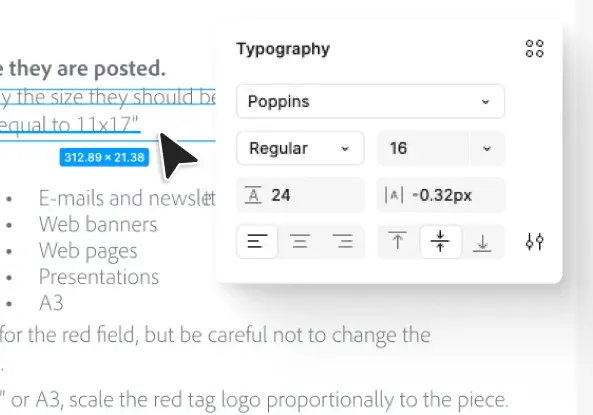
The engine reads the document — text, fonts, vectors and images — page by page. No prompt, no settings to tune.
3 · Edit in Figma
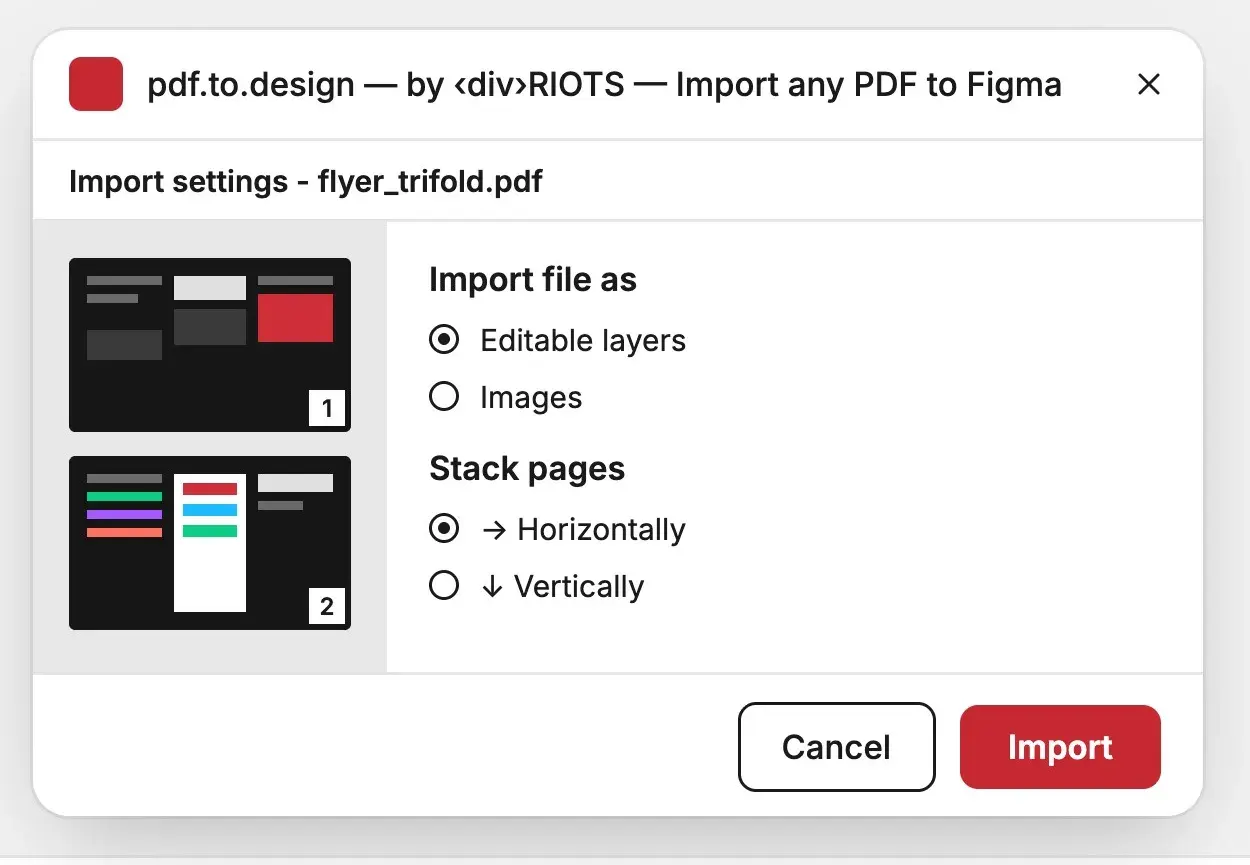
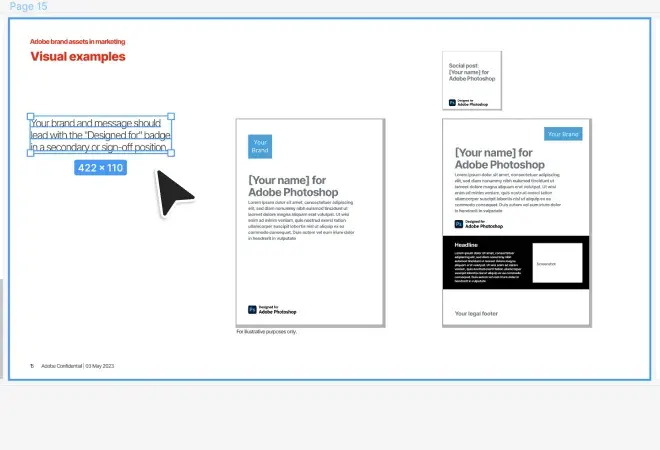
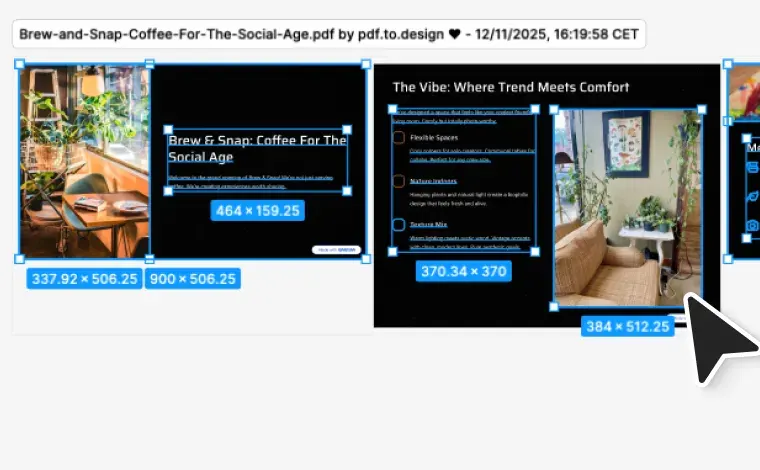
With the plugin, pages land straight on your canvas, ready to edit. From the web app, copy the result and paste it into Figma — either way, fully editable layers, every page.
pdf.to.design vs the alternatives
Most PDF importers flatten each page into a single picture.
pdf.to.design is purpose-built to rebuild a document as a Figma design,
with editable layers instead of a static image. Here's how they compare.
How pdf.to.design compares with basic PDF importers when turning a
PDF into a Figma design.