
What’s new: CMS, templates and an improved UI!
- Name
- Ardena
- @ardena_gonzalez

We’re always improving figma.to.website and adding new features to make it the best it can be…
March was a busy month! We added support for a built-in CMS via Notion, designed new templates that are ready to customize and launch; and revamped the plugin’s UI for a more streamlined experience.
Check out all the great stuff we just released! 👇
Use Notion as your site’s CMS
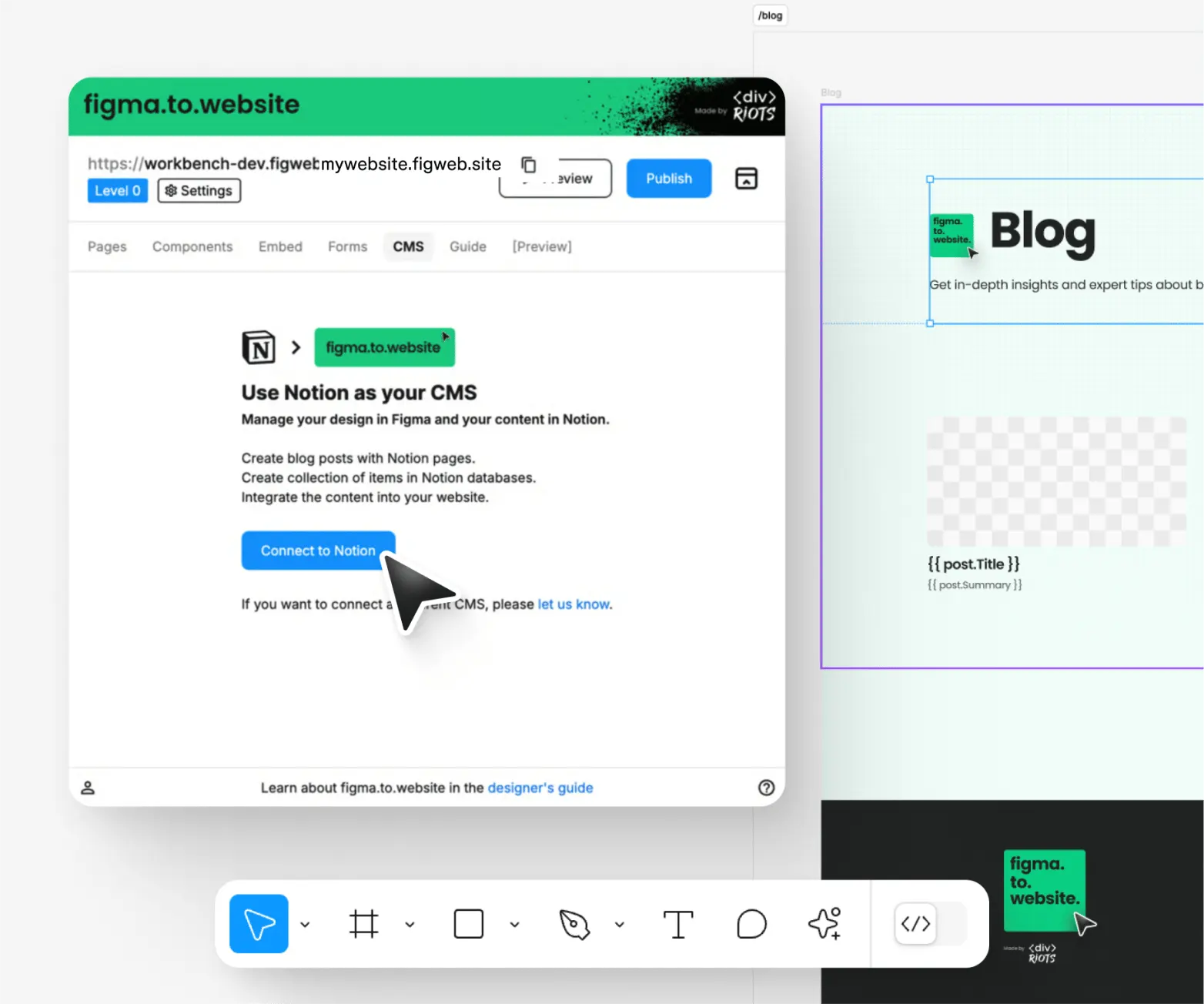
Design in Figma, manage content in Notion! You can now connect Notion to figma.to.website and incorporate a CMS in your site.
Create and manage a blog, integrate your own data… You name it!
New templates on Figma Community
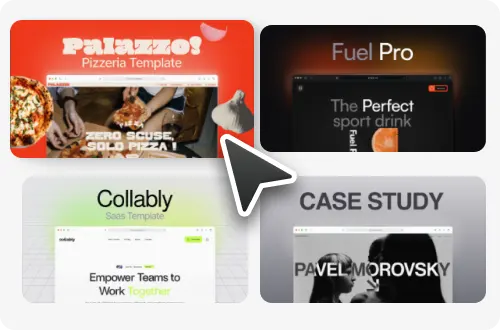
Getting started with figma.to.website is now easier than ever! We worked with top designers to provide beautiful, professional website templates that work out-of-the-box with figma.to.website.
Simply open one of our templates in your own Figma file, edit the design to make it yours and publish it to the web in a click with the plugin.
New ‘Preview’ & UI upgrade
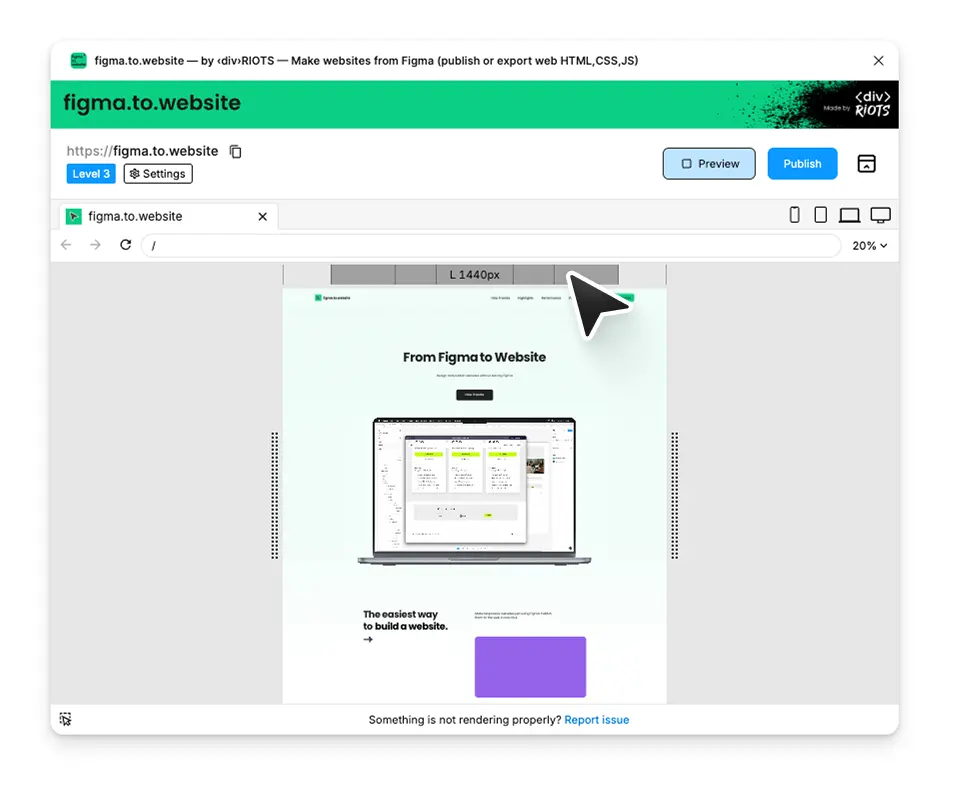
Our ‘Preview’ option has improved, allowing you to see exactly how your website scales, much like you would in Google Chrome!
We’ve also revamped a few things in the plugin’s UI to streamline the settings options… It’s now much simpler to find the settings you need, with better navigation inside the plugin.