Adobe XD is in maintenance mode — your .xd files don't
have to be. Convert them to real designs with editable text, matched
fonts, vectors and components, artboard by artboard.
Web app
Convert in your browser
Nothing to install. Drop an .xd file, then paste the
result straight into Figma as editable layers.
Drop an XD file to convert
Paste from clipboard, or click to browse
You get
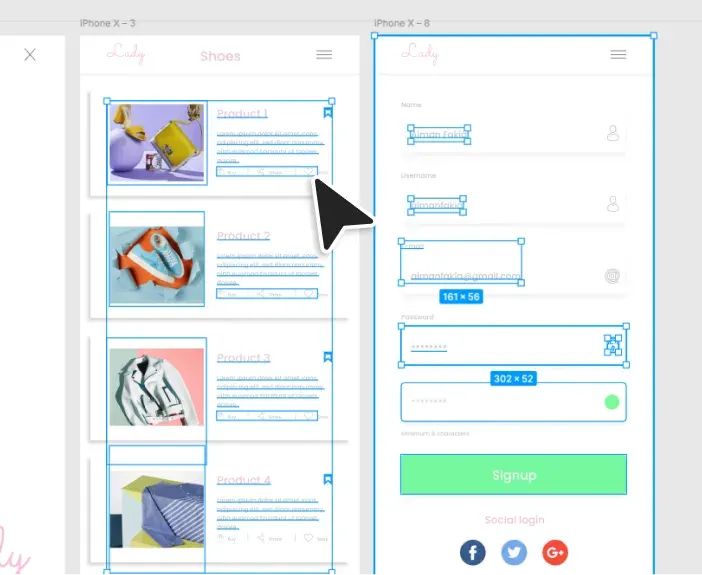
Figma layers to copy & paste
Figma plugin
Convert inside Figma
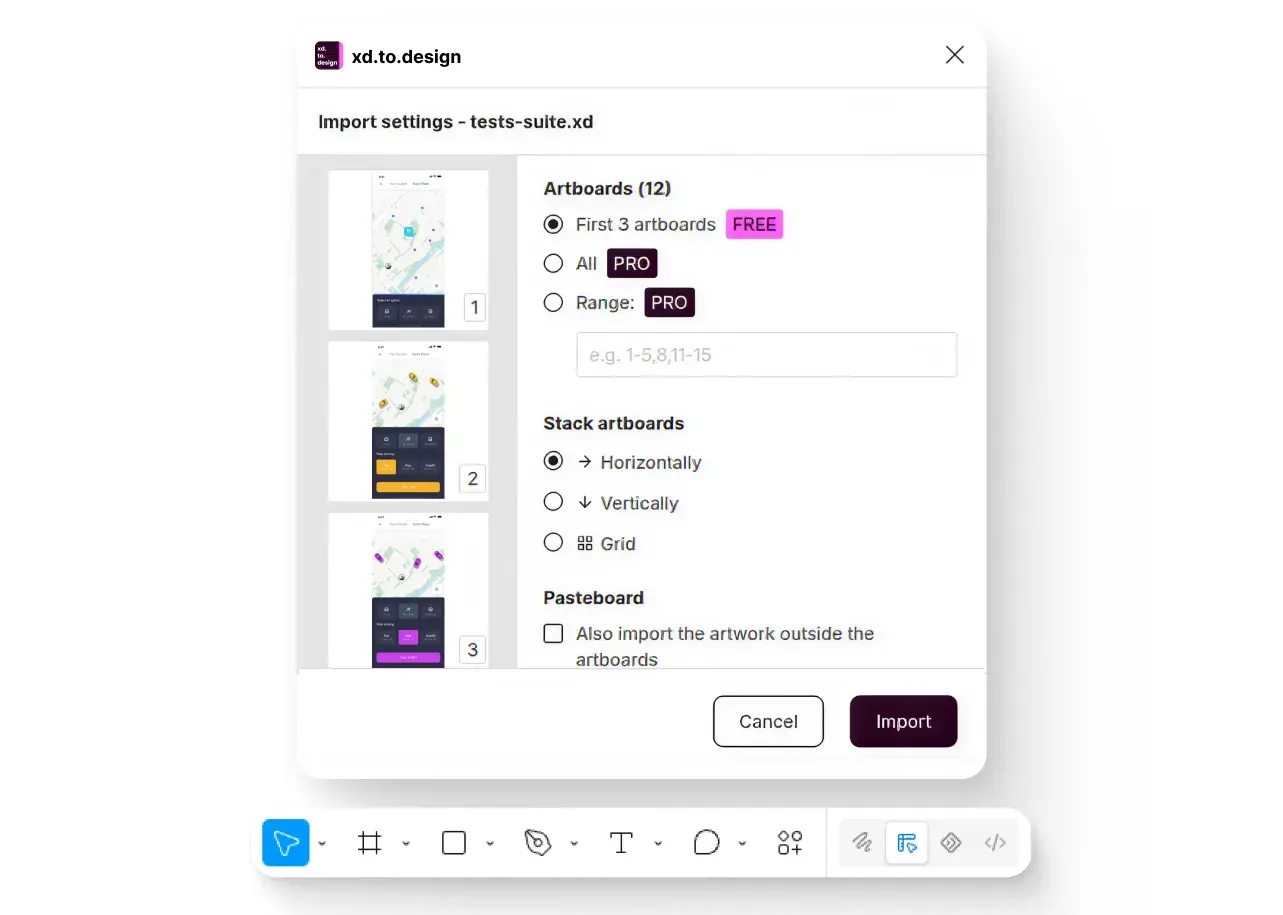
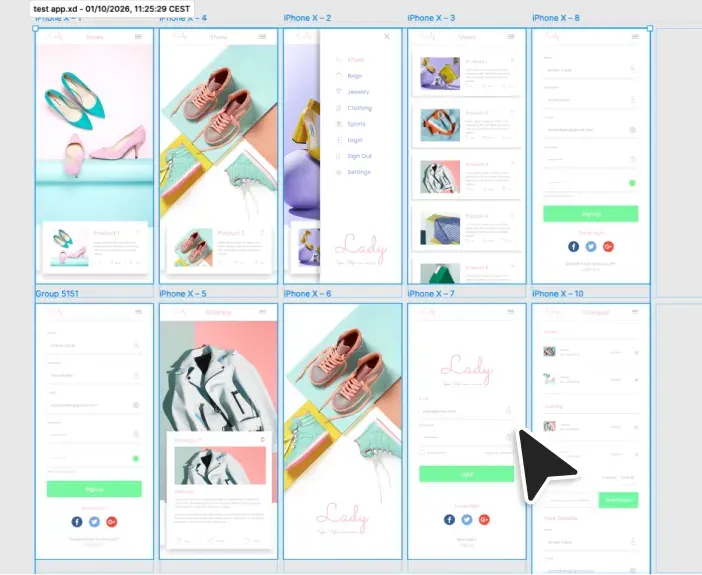
Artboards land straight on your canvas as editable layers — no
tab switching. Your file is stored only for the conversion, then
deleted.
Plug XD conversion into your own app, script or pipeline. POST /convert, poll the job, then download Figma-ready output — no browser tab, no plugin, nobody clicking Import.
output.format — pick one
Clipboard data you paste onto the Figma canvas as native, editable layers.
2 credits per XD file, whatever the file size, output format or options.
curl https://api.divriots.com/v1/convert \
-H "Authorization: Bearer $API_KEY" \
-H "Content-Type: application/json" \
-d '{
"input": {
"format": "xd",
"url": "https://…/app.xd"
},
"output": { "format": "figma-clipboard" }
}'
Response2 credits
202Accepted · job queued
200GET /convert/jobs/{jobId}"done"
resultUrl → paste into Figma
HomeFRAME
PricingFRAME
CheckoutFRAME
How it works
1 · Upload
Drop an .xd file — a single screen or a whole product archive. Dropping several at once is fine.
2 · Convert
The engine reads the file — artboards, text, fonts, vectors and components — and rebuilds it as a Figma design. No prompt, no settings to tune.
3 · Edit in Figma
With the plugin, artboards land straight on your canvas, ready to edit. From the web app, copy the result and paste it into Figma — either way, fully editable layers.
xd.to.design vs a flat export
Figma can't open .xd files, so most teams export flat PNGs or
PDFs — and lose the design. xd.to.design is purpose-built to reconstruct
the file as a Figma design, with editable layers instead of a static image.
Here's how they compare.
How xd.to.design compares with a flat export when turning an Adobe
XD file into a Figma design.