
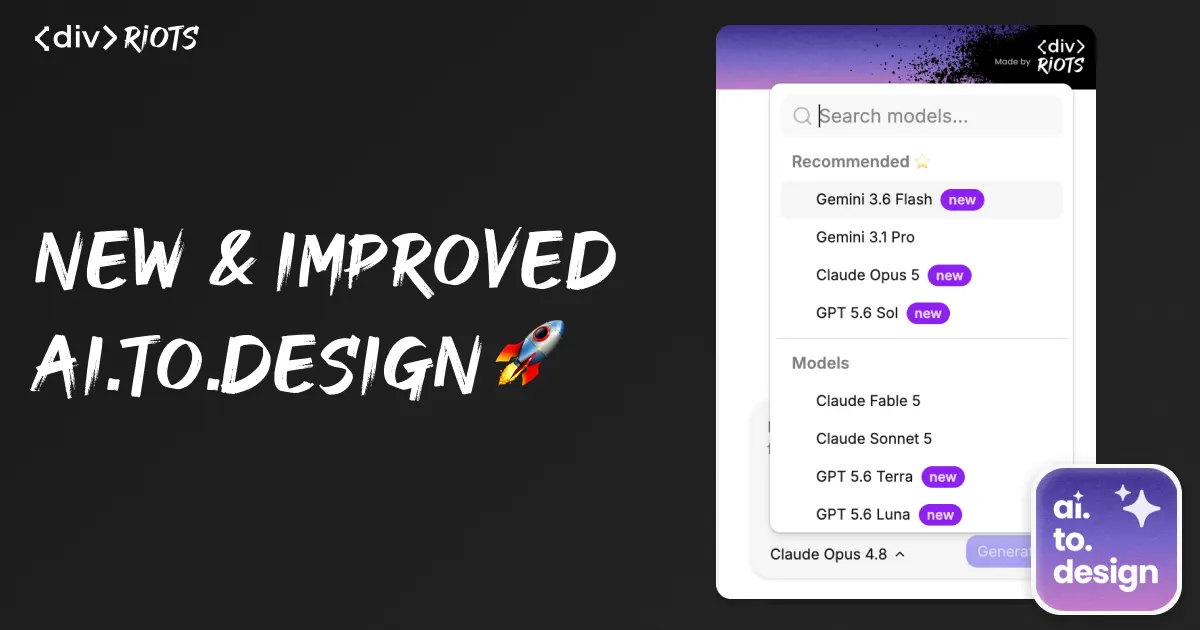
New ai.to.design version just launched
-

- Name
- Ardena
- @ardena_gonzalez
Open ai.to.design today and the latest update ships three major changes at once: a UI refresh, a round of bug fixes, and the largest single batch of new model options the tool has added.
ai.to.design is our plugin that converts prompts into designs right in your Figma canvas — select your model, describe what you want in chat, watch your designs generate, then iterate by asking for changes. The model you pick from the dropdown is what actually writes the HTML and design decisions behind each generation, so which models are available directly affects what you can build and how much it costs you.
Here’s what changed in this latest version:
What’s new in the UI
The chat interface got a fresh cleanup focused on making iteration faster. Nothing changes in how you prompt the tool - type what you want (“a crisp editorial landing page with electric-blue accents”) and iterate with follow-ups (“improve”). The workflow is the same; but the new UI makes it easier and faster to get to the right model and compare outputs when iterating.
Bug fixes in this release
Alongside the UI work, this update also resolves a set of reported issues. For example, now the model you used is remembered for each chat session, and you’re alerted if a particular chat session can’t be found. Important bugs you’ve reported along the way have been fixed!
15 new models, from frontier flagships to cheap high-volume options
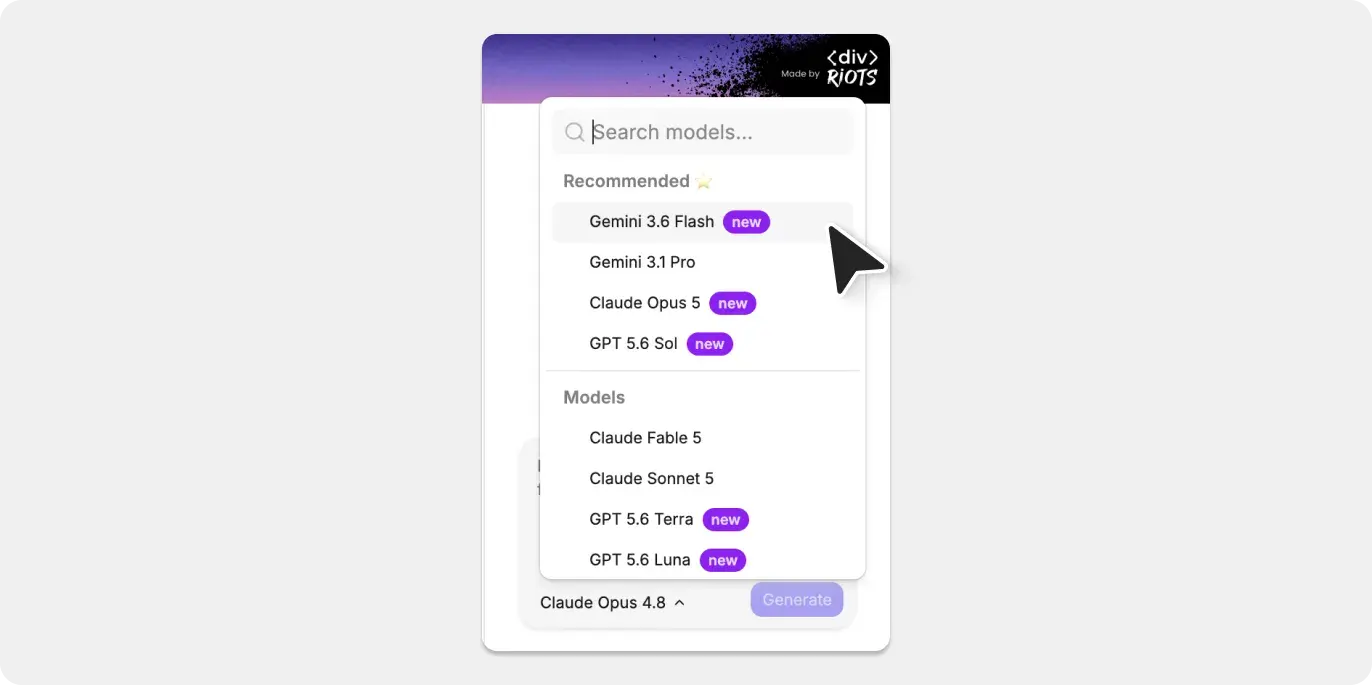
This is the biggest change in the latest version of ai.to.design. The model dropdown now includes 15 models across seven providers, all released within roughly the last month. Here’s the lineup, grouped by what they’re best for when generating your designs.
Frontier-tier models for your hardest layout and copy problems:
Claude Opus 4.8, Claude Fable 5, and Claude Sonnet 5 from Anthropic sit at the top of the list, alongside OpenAI’s three-tier GPT-5.6 family — Sol (flagship reasoning), Terra (balanced everyday tier), and Luna (fast and cheap). These are the models to reach for when a prompt involves a genuinely unusual layout, a lot of copywriting judgment, or a design brief with conflicting constraints you want reasoned through carefully.
Newly opened frontier challengers:
Qwen 3.8 Max, Alibaba’s 2.4-trillion-parameter flagship, was added to the dropdown yesterday — it went from preview to broadly accessible on August 3, less than 24 hours before this update shipped. Grok 4.5 (xAI), Kimi K3 (Moonshot AI), GLM 5.2 (Zhipu/Z.ai), and Meta’s Muse Spark 1.1 round out this tier. All five launched within the past month and all benchmark close to — though generally behind — the Anthropic and OpenAI flagships on general reasoning and coding tasks.
Fast, cheap models for quick iteration:
DeepSeek V4 Flash, Gemini 3.6 Flash, Qwen 3.7 Flash and Gemini 3.5 Flash-Lite are built for high volume at low latency. If you’re running dozens of “improve” iterations on a single page and don’t need the deepest reasoning on every pass, these keep costs down without a long wait per generation.
That’s a total of 15 models, spanning Anthropic, OpenAI, Alibaba, xAI, Moonshot AI, Zhipu, and Meta — every one added to the dropdown within the last several weeks.
How to pick a model for your project
You don’t need to memorize this list. A few defaults cover most cases:
-
Starting a page from a blank prompt — use a frontier-tier model (Sonnet 5, GPT-5.6 Terra, or Fable 5) so the first draft gets the structure and copy right, since early mistakes compound through later “improve” rounds.
-
Iterating on a page you already like — switch to a fast tier like Gemini 3.6 Flash or GPT-5.6 Luna. Small style and copy tweaks don’t need flagship-level reasoning, and the faster response speeds up your feedback loop.
-
Testing how a newly-released model handles design work — the newly opened challengers (Qwen 3.8 Max, Kimi K3, GLM 5.2, Grok 4.5, Muse Spark 1.1) are worth a side-by-side comparison against your usual pick before you switch defaults, since none of them have a long production track record inside a design-generation workflow yet.
Try the new update
The new UI, bug fixes, and all 15 models are live now in ai.to.design. Whether you’re new here or are already using the plugin to generate designs in Figma from prompts, the model dropdown is the first place to look — pick a frontier model for your next fresh draft and a fast tier for the iterations that follow.