
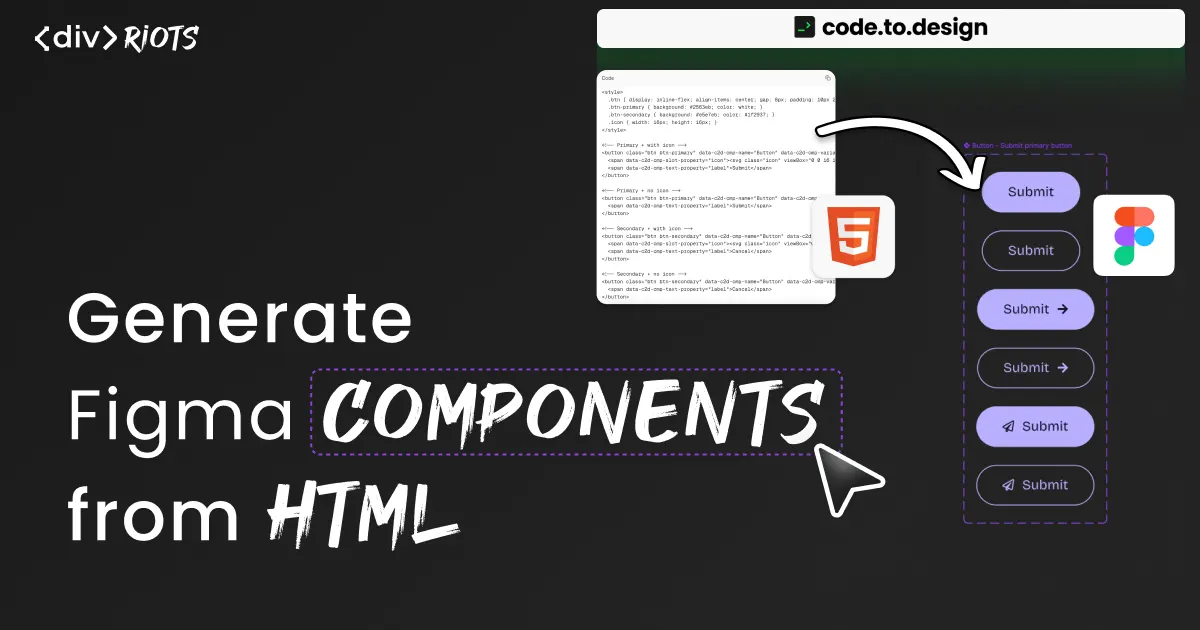
Generate Figma components from HTML with the code.to.design API
-

- Name
- Ardena
- @ardena_gonzalez
Keeping Figma components in sync with production code is a persistent problem for design system teams. A variant gets added, a text property gets renamed, and someone has to rebuild the Figma side by hand. The more components you maintain, the worse this scales.
We just shipped a new endpoint in the code.to.design API — /html-component — that lets developers generate fully structured Figma components directly from HTML. Not a visual import, not a screenshot: a native Figma component set with variant properties, text properties, and slots, created programmatically via API call.
What is code.to.design?
code.to.design is an API that converts HTML, CSS, and JavaScript into Figma designs. It’s the engine behind html.to.design and story.to.design — products used by nearly 3 million users — and is available to developers building their own tools and plugins.
It runs in two modes: Clipboard mode converts HTML, CSS, and JavaScript into clipboard data that can be pasted directly into a Figma canvas. Plugin mode converts the same code into Figma data for use inside a Figma plugin, and ships with a production-grade JavaScript SDK.
The /html-component endpoint uses clipboard mode. A developer sends an annotated HTML string via API; the response is clipboard data that pastes into Figma as a complete, structured component set.
What the /html-component endpoint does
The endpoint takes an HTML file containing all of a component’s variants and converts it into a Figma component set. To tell the API how to structure the output, you annotate the HTML with data-* attributes:
On each variant’s root element:
data-c2d-cmp-name — the component name. All elements sharing this name are grouped into one Figma component set.
data-c2d-cmp-variants — the variant properties for this state, as comma-separated property:value pairs (e.g. “variant:primary, show_icon:true”).
On child elements, where needed:
data-c2d-cmp-text-property — maps a text node to a named Figma Text Property. The value becomes the property name, editable per instance in the Design panel.
data-c2d-cmp-slot-property — maps an element to a named Figma Slot (instance swap property), useful for icons or other swappable sub-components.
The API endpoint is:
POST https://api.to.design/html-component
Authorization: Bearer YOUR_API_KEY
With a JSON body:
{
  "html": "your annotated HTML string",
  "clip": true
}
clip: true is required — Plugin mode is not supported for this endpoint. When the API responds, paste into Figma (Cmd+V / Ctrl+V) and the component set appears on canvas with all properties already configured.
ℹ️ Full endpoint reference and attribute documentation: docs-code.to.design
Quick Guide: HTML to Figma component in 5 steps
1 - Sign up at code.to.design and get your API key.
2 - Write your HTML with all component variants as sibling elements.
3 - Add the four data-* attributes to each variant root and relevant child elements.
4 - POST to https://api.to.design/html-component with clip: true and your Authorization header.
5 - Paste into Figma. Your component set — variants, text properties, slots — is ready on the canvas.
Why this matters for design system teams
The core problem this endpoint addresses is synchronisation cost. When a component’s variants or properties change in code, the Figma component needs to be updated too. Without tooling, that update is manual: someone opens Figma, locates the component, and rebuilds the parts that changed. On a large design system with frequent iterations, this adds up.
With /html-component, the component structure is defined in the HTML source and the API generates the Figma side. When something changes, re-running the API call rebuilds the component. No canvas editing required.
For teams already using code.to.design to import HTML into Figma, this endpoint extends the pipeline: rather than just importing visual output, it produces a structured component that designers can use and iterate on directly.
Use cases
Design system libraries. Generate the Figma component set from the HTML/CSS source and regenerate it on change. The HTML is the source of truth; Figma stays in sync via the API.
New component handoff. Developers ship a new component in code and generate the Figma version at the same time, without waiting for a designer to rebuild it manually.
Try it in your app
The /html-component endpoint is available now. Full documentation, API reference, and API key signup are at docs-code.to.design.
If you’re building a Figma plugin and want to add an “Export to Figma” feature to your product, the full code.to.design API covers both clipboard and plugin modes across a range of endpoints.
FAQ
Q: Does this work as a Figma plugin, or is it API-only?
A: API-only. The /html-component endpoint requires a direct API call with clip: true. If you want to import HTML pages or live websites into Figma without the API, html.to.design is the plugin for that — but component variant sheet generation requires the API.
Q: Can I create more than one component in a single API call?
A: Yes, by using the /html-multi-components endpoint. More details at: docs-code.to.design
Q: What if I want to import components from Storybook to Figma?
A: The story.to.design Figma plugin is built for exactly that. It can bring your full Figma component library from Storybook and keep it up to date with code in a single click.